Optimised cart drawer
Extra revenue a month

Configurable sections

Native product features

Responsive layouts

Shopify theme editor
Configurable sections
Native product features
Responsive layouts
Shopify theme editor


Surge 2.0 · By ConversionWise
STEP 2: Choose Your Pre-Styled Templates (Optional)
Secure checkout · Digital delivery
1, 3 or 5 store licences
Native Shopify editing
Keep your purchased version
The Surge Shopify theme, with native sections, product blocks and shopping features, plus the first-year services included in your licence.
Use Shopify’s theme editor to arrange supported sections and edit content, fonts, colours and spacing. Advanced custom work may still require a developer.
You can keep using the version of Surge you purchased. Continuing services and updates depend on your purchase plan; review its renewal terms at checkout.
Choose the licence offer that covers the number of stores you need: 1, 3 or 5. Each store requires its own valid licence.

SURGE Theme
Base Theme
$497.00
Brands ConversionWise has worked with


Choose your licence, build your storefront and keep improving.
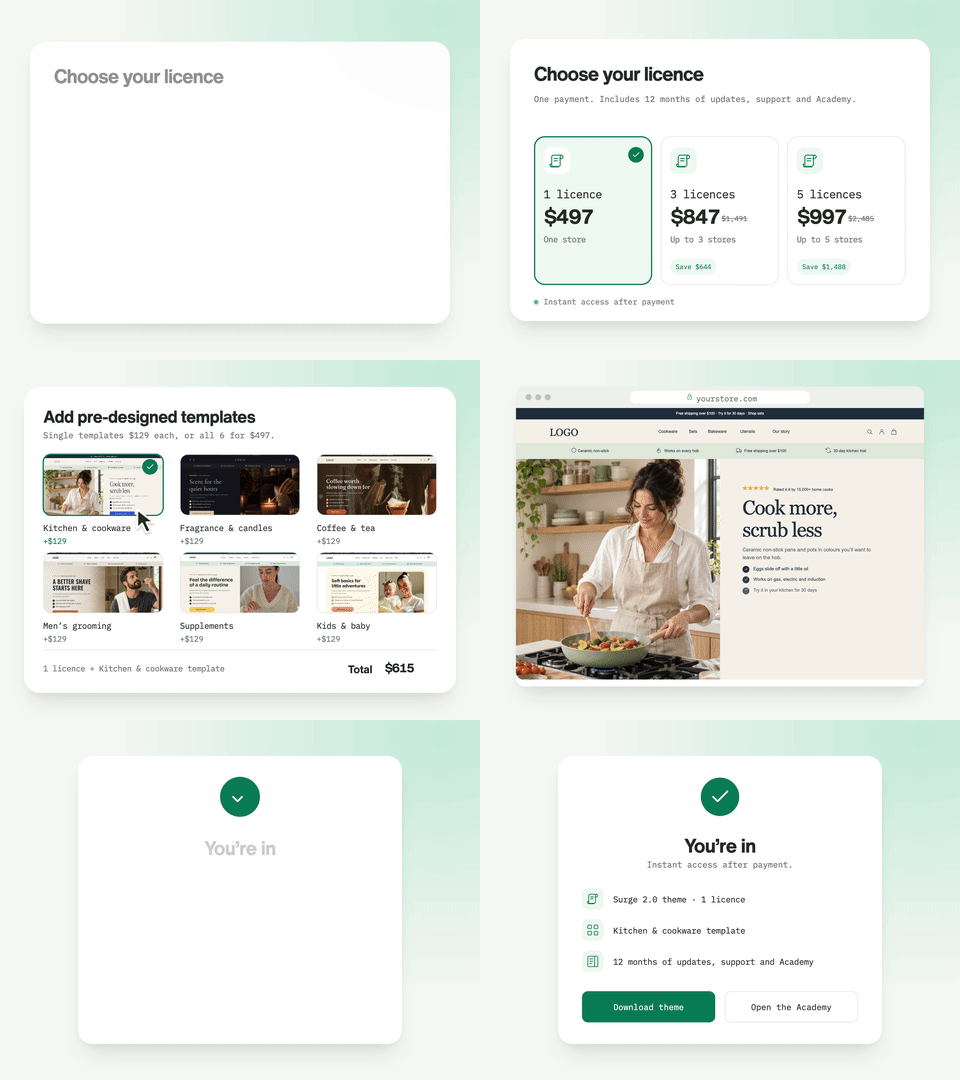
Choose a licence for 1, 3 or 5 stores, then get access to Surge.
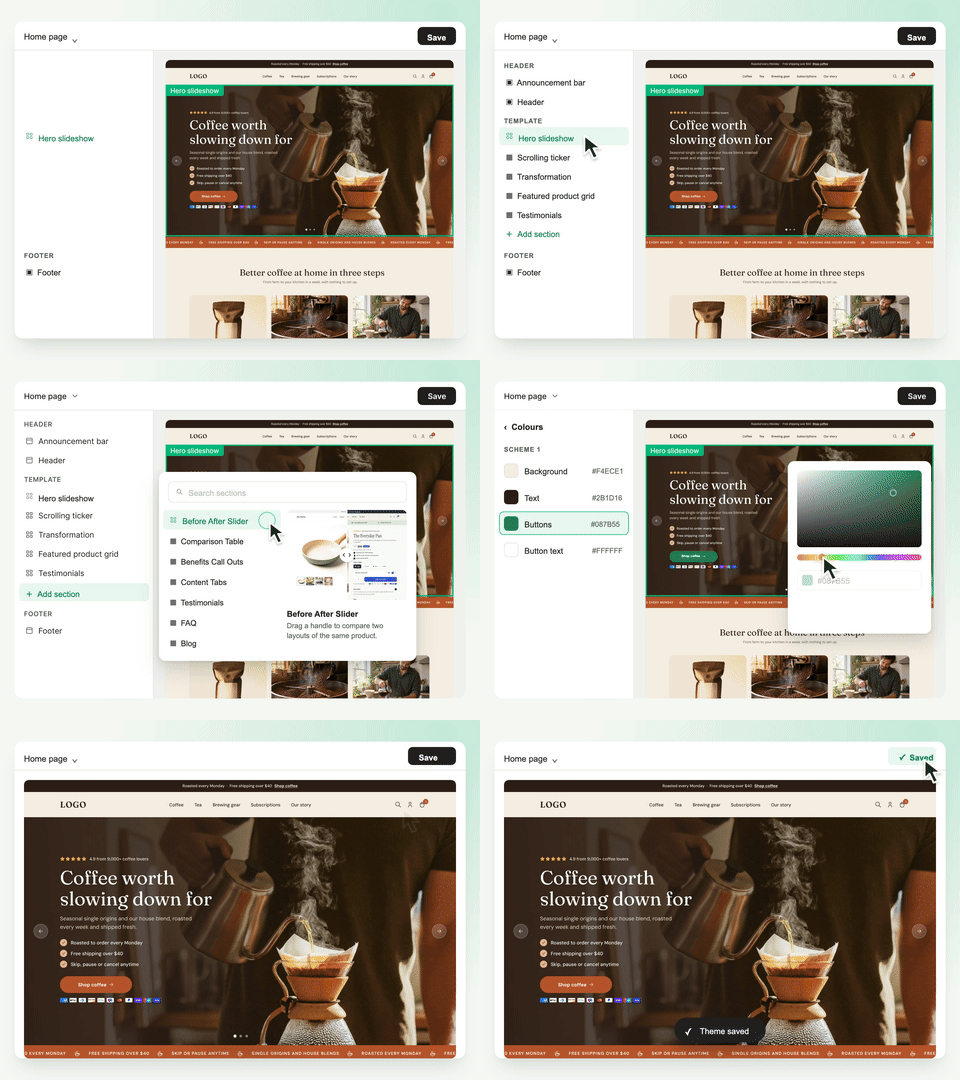
Add products, brand assets and copy in Shopify, supported by the included training.

Check your store, launch when ready and use the clinics, support and feedback as you improve it.
Native sections and blocks you arrange in Shopify’s theme editor.


Bring galleries, product details, pack choices and add-ons together.

Present relevant extras and keep the next step clear.

Build a journey from your first introduction to the buying decision.

Make product combinations and pack choices easier to understand.

Give longer stories a dedicated layout before the product page.

Refine your spacing, type and layout for smaller screens.
Build a connected buying journey with the native layouts inside Surge.
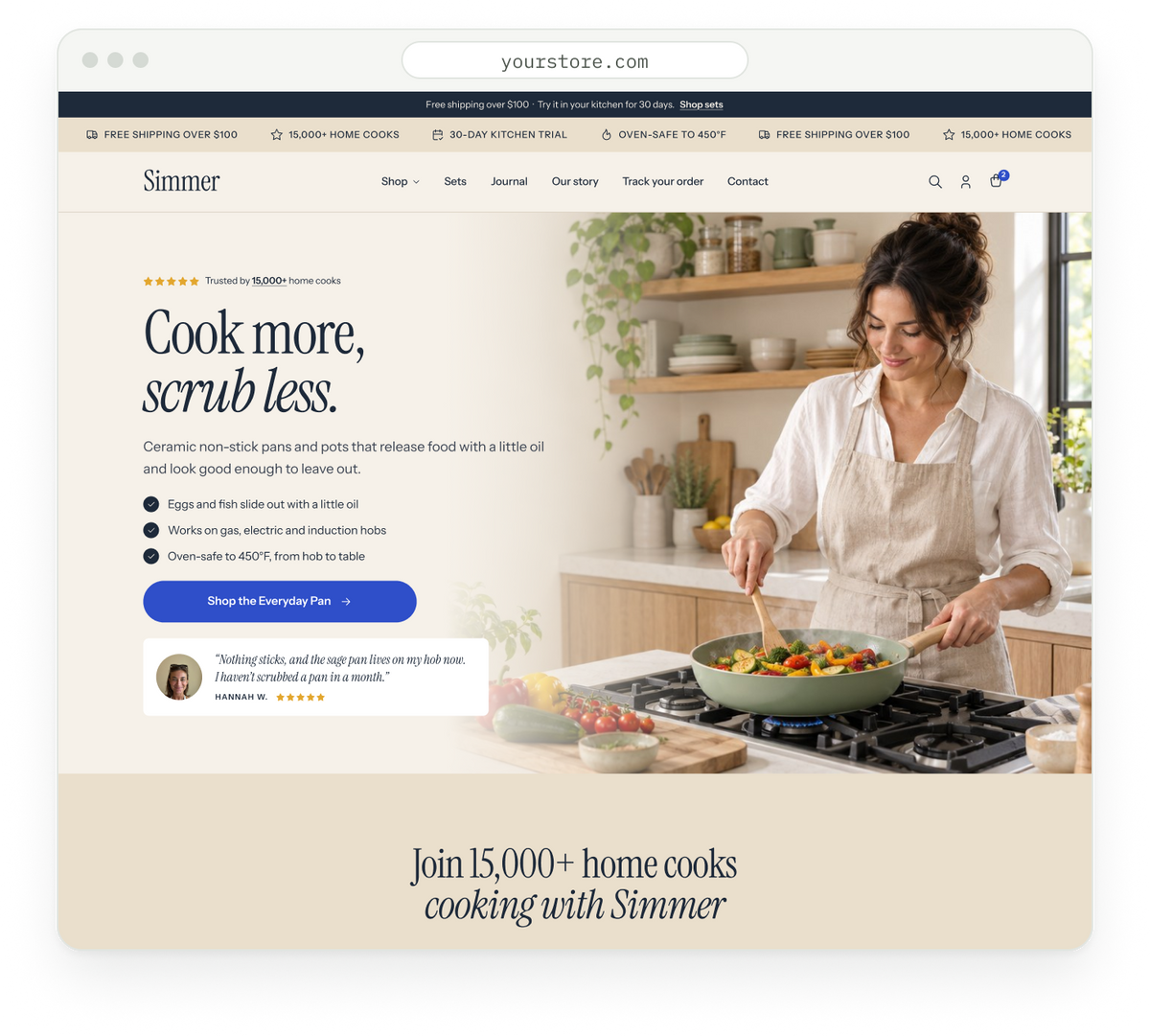
Bring your brand, collections and strongest product benefits into one connected storefront.
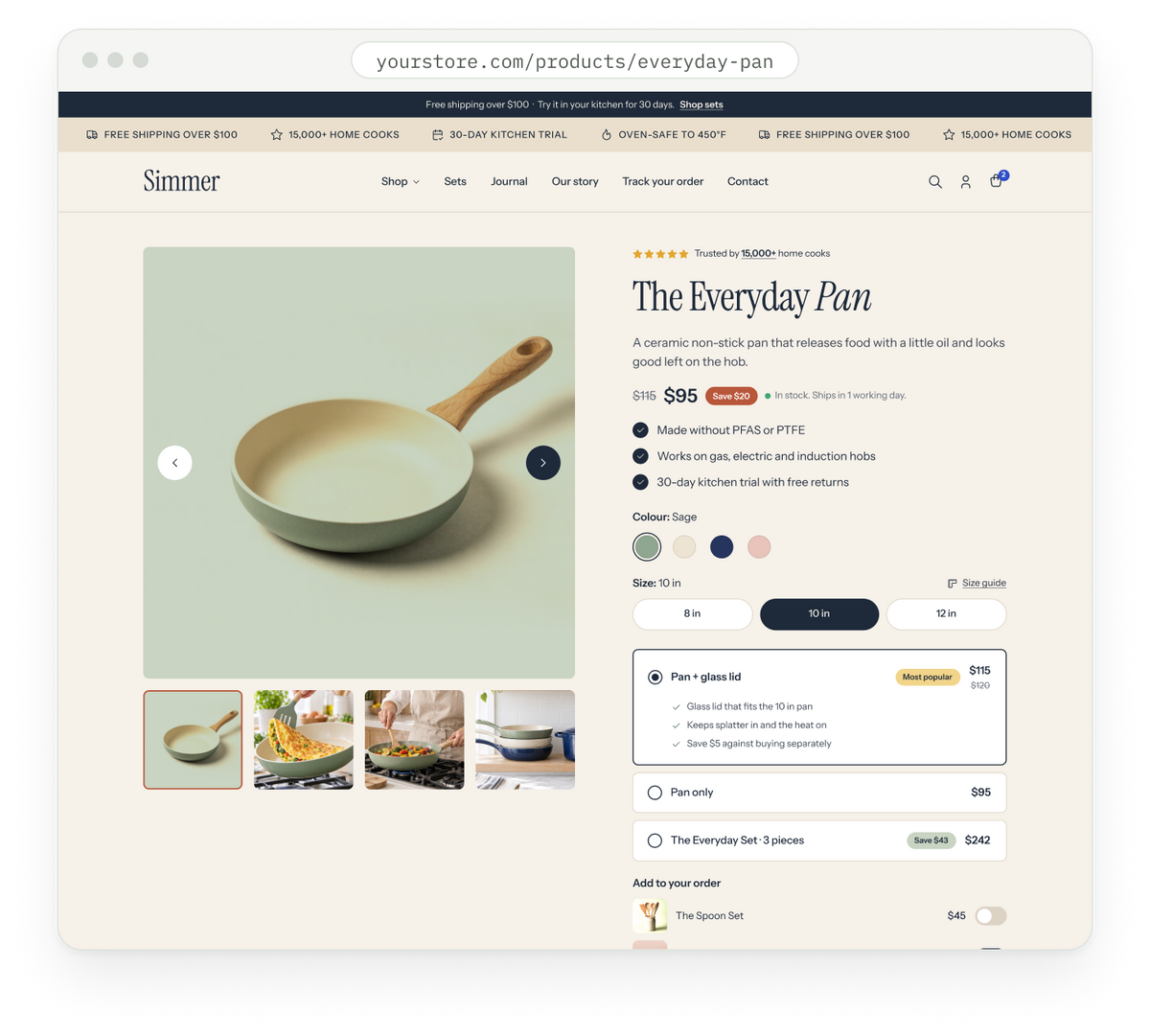
Gallery, reviews, colour swatches and add-ons sit together, so shoppers can decide without scrolling.
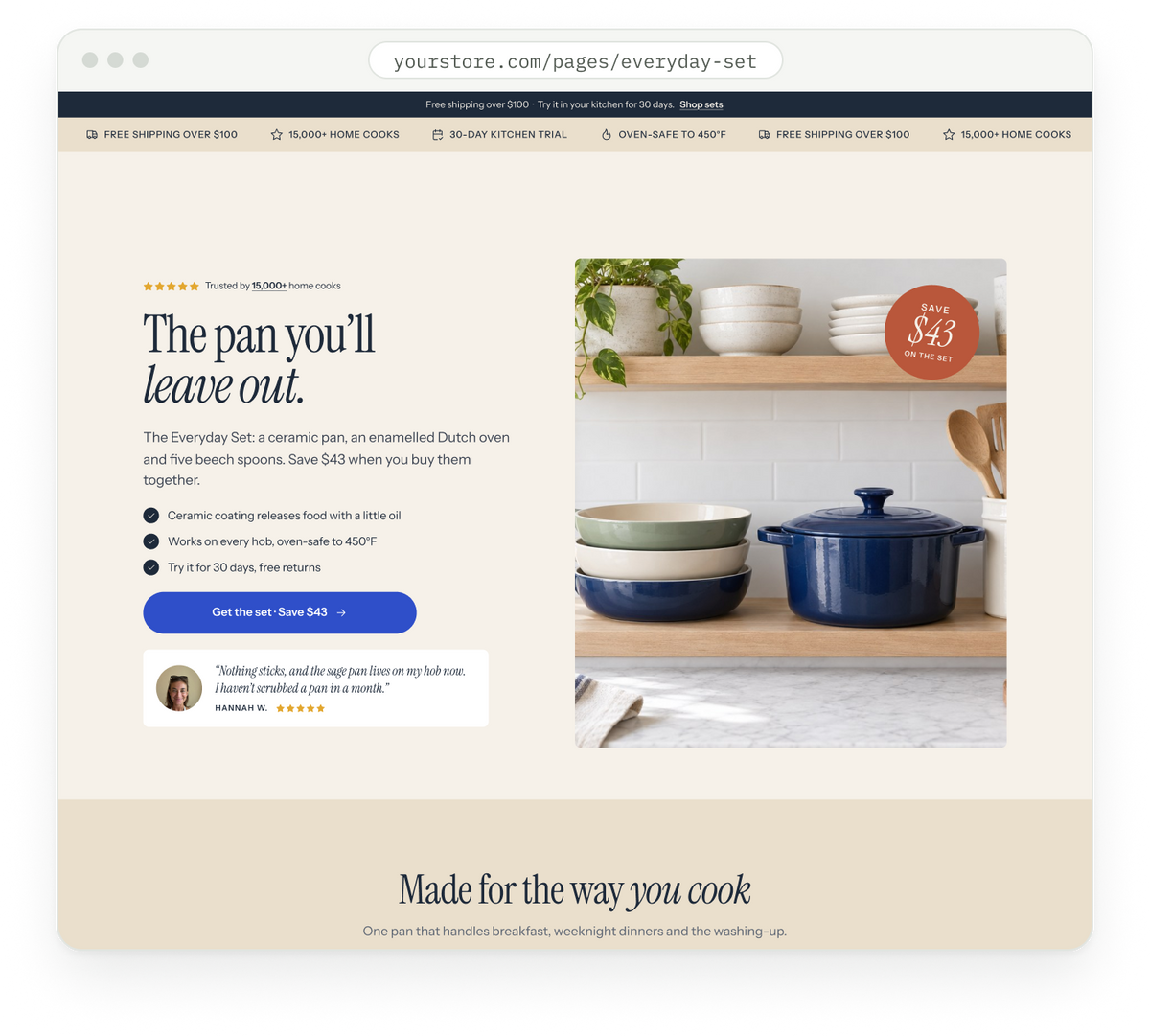
A long-form page for launches and bestsellers: offer, proof, pricing and FAQs in one place.
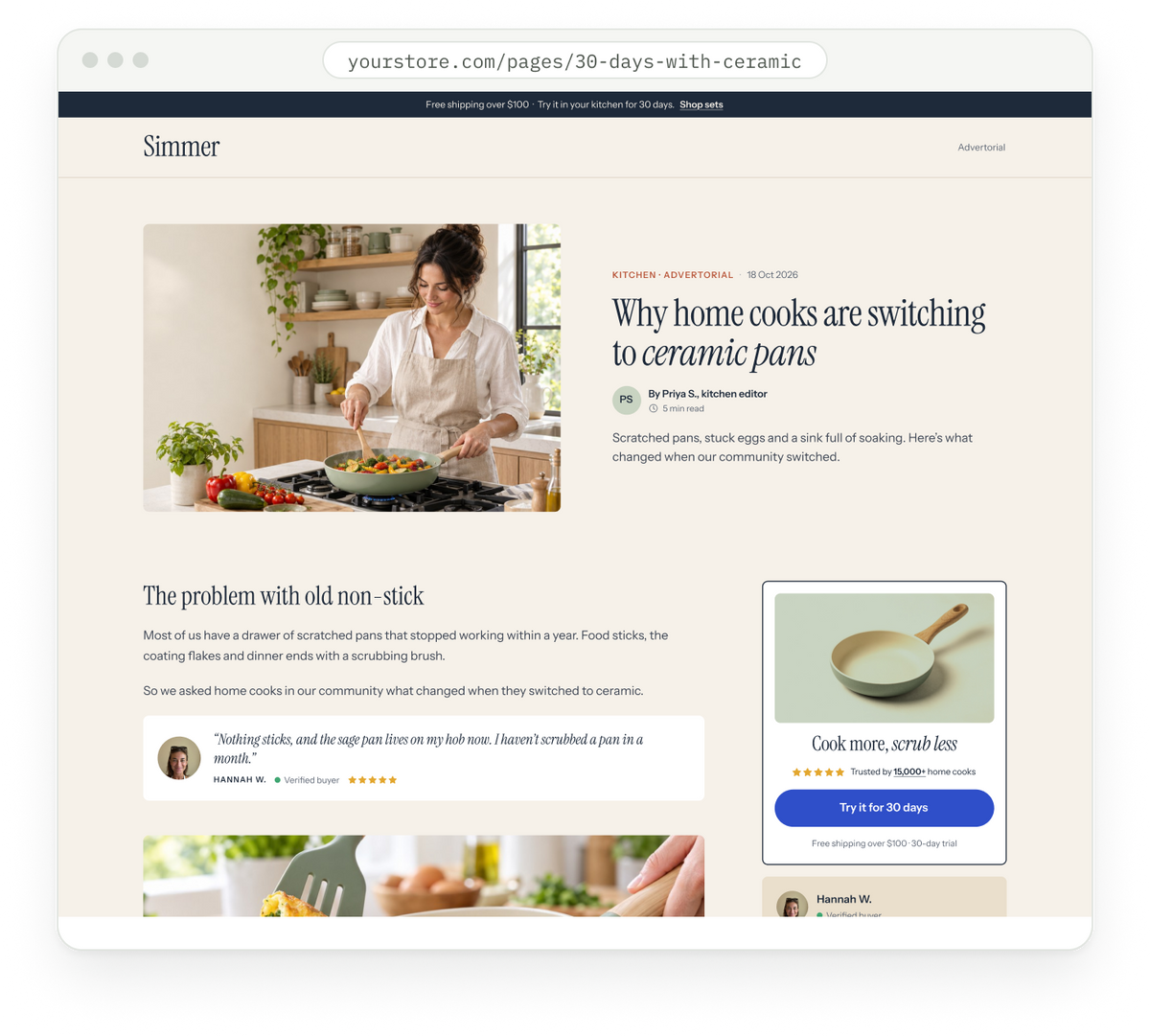
Article-style pages that educate first, with a sticky product card in the sidebar.
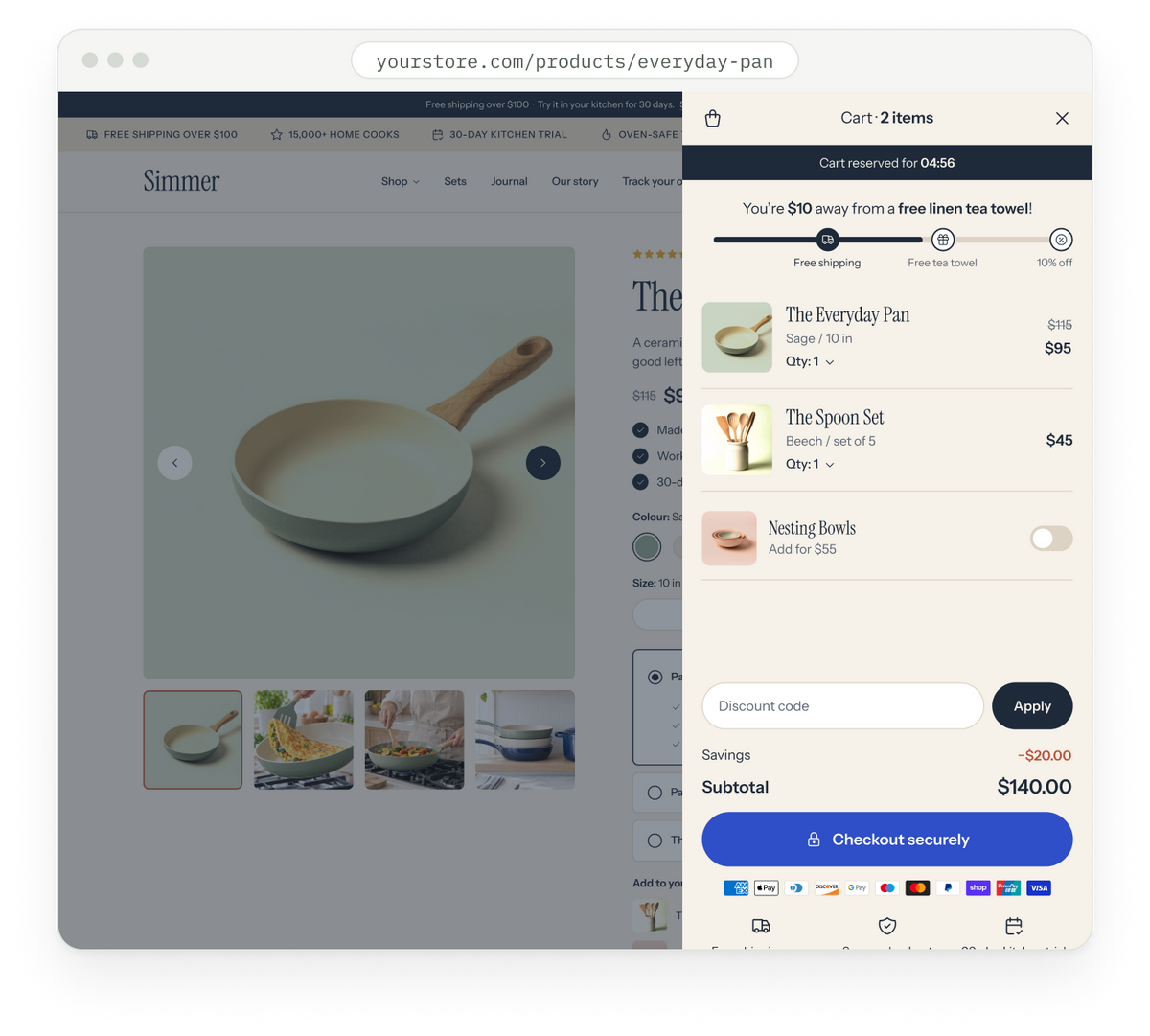
A slide-out cart with a free-shipping goal bar, add-ons and a free gift, set up in the theme editor.
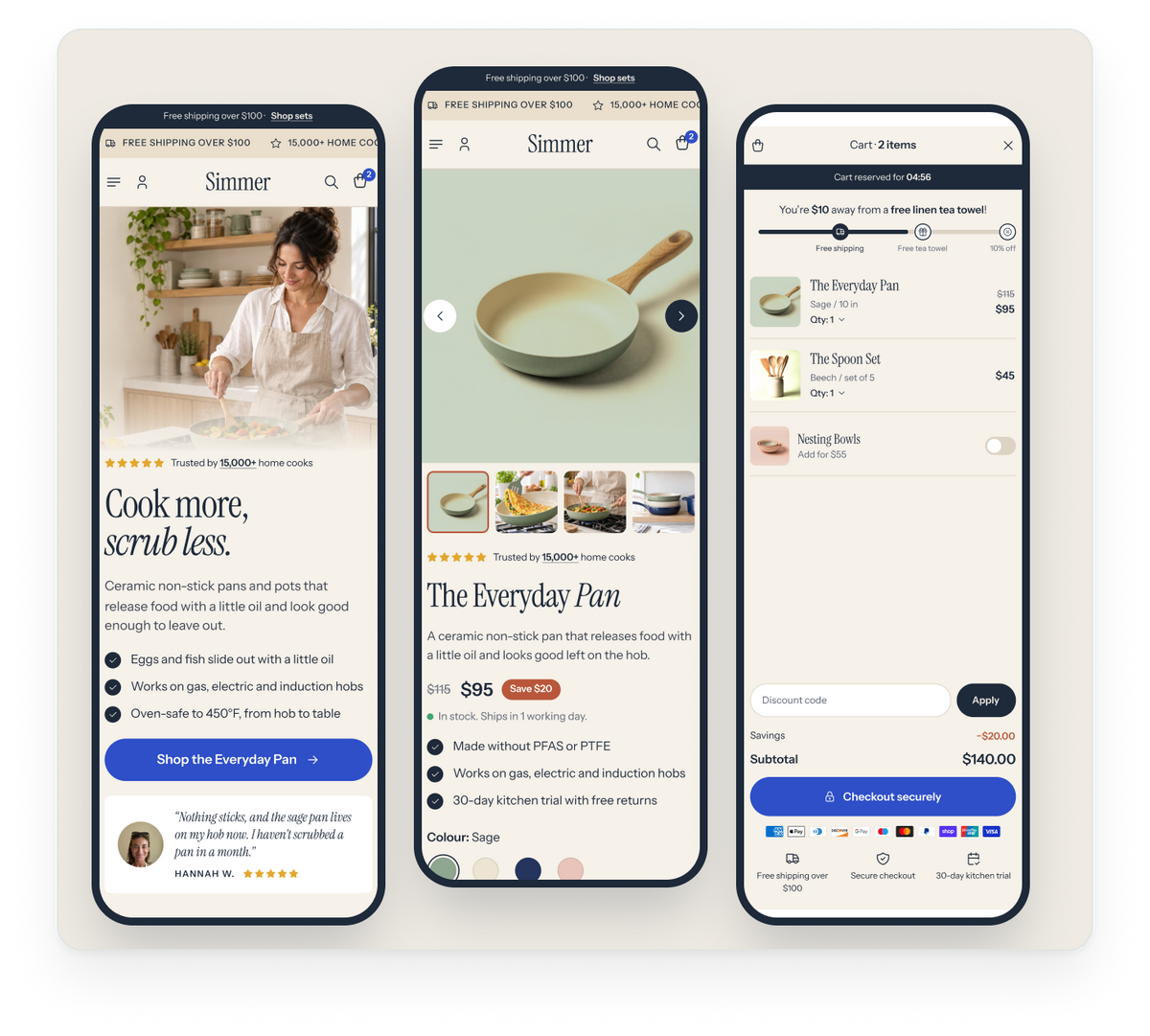
Every section has its own mobile padding and layout settings, so pages stay tidy on a phone.
Drag the handle to compare a basic product page with the same product built in Surge.


Every block in Surge
Native sections and product blocks, set up in the theme editor.


Results from ConversionWise client A/B tests. Every store’s traffic, offer and season differ, so your results will too. Figures show extra revenue per month in USD.
Extra revenue a month
Extra revenue a month
Extra revenue a month
Extra revenue a month
Compare what you get: the theme, plus a first year of training, clinics, community and support.
Your first year includes clinics, Academy access, support and updates. You can keep using your purchased theme version; continuing services follow your purchase plan’s renewal terms.

Learn with ConversionWise and bring your storefront questions.

Build your knowledge with practical conversion training.

Get theme support and resources as you build.
Connect with other members and share what you are working on.

Use the included feedback and audit resources to refine your pages.

Continue using the version you bought after the first year.
Surge is a Shopify theme with configurable layouts, sections, product blocks and shopping components. It gives you the foundation for building your storefront in Shopify’s theme editor.
Surge combines native storefront features with ConversionWise’s conversion experience and first-year learning and support resources. Compare the features and services against the needs of your own store.
You can arrange supported sections and change content, colours, fonts and spacing in Shopify’s theme editor. Advanced integrations and custom changes can still require a developer.
Surge has native features for product galleries, bundles, add-ons, carts, FAQs, comparisons and testimonials. Whether it can replace a particular app depends on the functionality and integrations your store needs.
Yes. Add your products, photography, logo and copy, then use the available theme settings to make the layouts your own.
Choose the offer that covers 1, 3 or 5 stores. Each store requires a valid licence. Your selected licence purchase plan is shown before checkout.
You can continue using the version of the theme you purchased. Ongoing updates and services are governed by the renewal terms of your purchase plan, which you can review at checkout.
Guides, test breakdowns and theme updates from the Surge team.

21 October, 2026
Tiered savings, a set summary and a progress bar, all set up in the theme editor.
Read more about How to set up a bundle builder in Surge
21 October, 2026
Five places to start when you plan your first A/B tests on a Surge store.
Read more about What to test first on a new product page
21 October, 2026
A walkthrough of the new blocks and settings in the latest release.
Read more about What’s new in Surge 2.0